Running an Autonomous AI Agent on a Home NAS: The Full Setup Story
Published on 30.03.2026
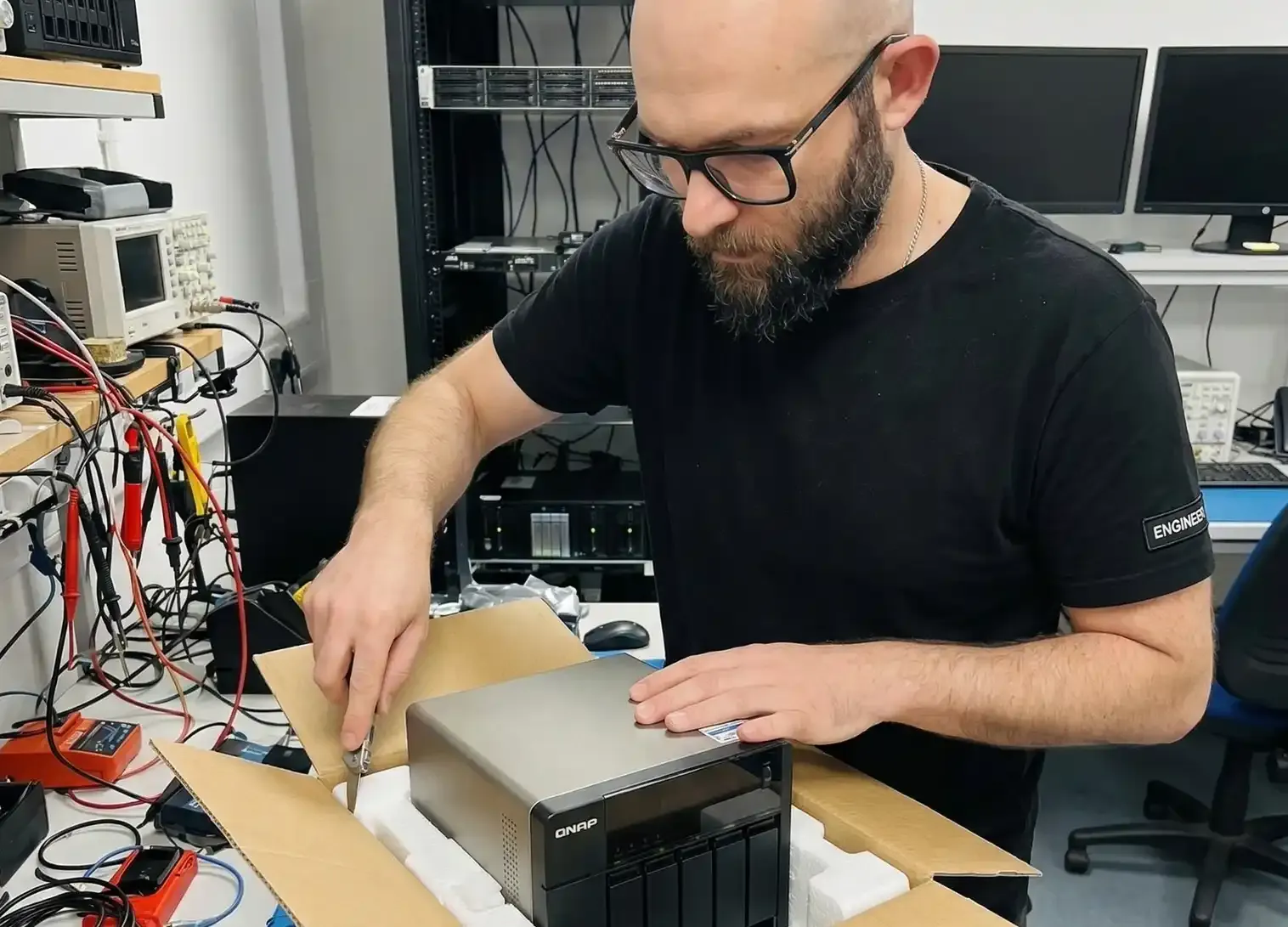
TLDR:
I built a provider-agnostic AI agent that runs on my home QNAP NAS, communicates via Telegram, and executes tasks using Claude Code inside Docker. It polls for messages, dispatches them to an LLM, and posts responses back, all orchestrated with bash, curl, and jq. No cloud servers, no paid API tokens, just my existing subscriptions. Here's how I got it running, and every gotcha I hit along the way.
The Inspiration: Why Not Just Use OpenClaw?
This project was born from watching the rise of platforms like OpenClaw and similar open cloud AI services. I'd been using them for a while, connecting free-tier accounts from various AI providers, running tasks through their interfaces. It worked, kind of.
The problems piled up quickly. Free-tier API accounts have tiny quotas. I never knew how large the context window actually was. Tasks would fail mid-way through because I'd silently hit a token limit. And worst of all, when I connected my own API keys, the costs were unpredictable. One ambitious task could burn through an alarming number of tokens. I was constantly monitoring usage, constantly hitting walls.
Meanwhile, I was paying for subscriptions to Claude, Gemini, and GitHub Copilot anyway, for my daily development work. Those subscriptions come with generous token allowances that I rarely exhaust by hand. The math was obvious: why pay for API tokens when I already have subscriptions with unused capacity?
The key insight was making the agent provider-agnostic. The architecture doesn't call an API directly, it launches a CLI tool with a prompt. Claude Code, Gemini CLI, GitHub Copilot CLI, any tool that accepts a prompt and returns a response. You configure a one-line command template per provider in the config file, and the agent doesn't care which one is behind it.
This means I can switch providers on a per-topic basis in Telegram. Send /provider gemini in one topic, and that conversation uses Gemini. The default is Claude, but it's trivially changeable. All of this is described in the project README.
Why Docker on a NAS?
The CLIs I want to run, Claude Code, Gemini CLI, are Node.js applications that need a modern Linux environment. My QNAP NAS runs QTS, which is... not that. It has bash 3.2, no package manager that works reliably, no jq, no flock, and git without HTTPS support. You can't just npm install -g @anthropic-ai/claude-code on it.
Docker solves this completely. Inside a container, you get a standard Debian environment. You can install Node.js, Claude Code, my blog engine, any npm package, everything works normally. The NAS's limited host OS becomes irrelevant. You bootstrap the initial setup from outside (scp the repo, build the image), and from that point on, the agent running inside Docker can handle everything, including cloning and updating repositories with proper git.
If you want the full step-by-step technical setup (SSH, Container Station, jq installation, cron configuration), I've documented it all in the QNAP deployment guide.
Ideas Don't Wait, Why an Always-On Agent Changes Everything
Here's what actually changed my workflow. Before this setup, whenever I had an idea, a new open source project, a feature for my blog, a refactor I'd been postponing, I'd add it to my to-do list. Then I'd forget about it, or by the time I sat down at my desk, the momentum was gone.
Now I open Telegram and tell the agent directly: "Create a new repository called X, set up the initial structure with Y, and open a pull request." The agent does it. I review the PR on my phone and merge it. All from mobile, wherever I am.
Waiting in a queue at the shop? Sitting at the dentist? Those dead minutes turn into productive ones, not by pulling out a laptop awkwardly, but by typing a quick message on my phone like I'd text a colleague. The agent handles the rest.
This is fundamentally more effective than a to-do list. You see results immediately instead of making a mental note that you'll probably forget. The agent is always there, always ready. Your ideas go from thought to working code in minutes, not days.
And if I hit my subscription's rate limit? The agent simply waits until the quota resets and continues. No surprise bills, no cost anxiety. With a fixed subscription, even the cheapest tier, you can use every token you're paying for, and an autonomous agent is the best way to make sure you actually do.
The Architecture: Bash All the Way Down
The agent, ai-server-agent, is deliberately minimal. No Node.js runtime on the host, no Python dependencies, no framework. Just bash scripts orchestrating curl and jq.
The core loop is simple:
- Cron fires every 30 minutes
- start.sh runs a heartbeat loop using Telegram's long polling (near-instant message pickup, no fixed delay)
- heartbeat.sh checks for scheduled tasks, polls Telegram for new messages
- Each message gets dispatched to an AI provider running in Docker
- The response gets posted back to the Telegram topic
Telegram's forum topics provide natural task isolation, each topic is a separate conversation with its own context and memory. You send a message in a topic, the agent responds in the same topic. It feels like chatting with a colleague.
The Reality of QNAP: Missing Everything
Here's where the blog post could have been three paragraphs long, "clone repo, run install script, add cron." That's how it works on a normal Linux box. QNAP is not a normal Linux box.
No jq
The agent lives and breathes JSON. State tracking, Telegram API responses, scheduled task configs, all JSON, all parsed with jq. QNAP doesn't ship with jq. There's no apt-get. The Entware package manager (opkg) wasn't working either.
Solution: download the static binary directly from GitHub releases.
No flock
The cron job needs a mutex to prevent overlapping runs. Standard Linux uses flock. QNAP doesn't have it. My workaround: mkdir as an atomic lock, if the directory already exists, the cron job skips.
No git HTTPS
QNAP ships git via Entware, but without the git-remote-https helper. Cloning over HTTPS fails silently. I ended up using scp to transfer the repo from my Mac. Not ideal for updates, but it works. The silver lining: once the agent is running inside Docker, it has a full standard Linux distribution with a proper git. It can clone and update repositories on its own, you just need to bootstrap the initial setup from outside.
All of these workarounds (and more) are documented in the QNAP deployment guide.
The Docker Prompt Problem
This one cost me a solid hour of debugging. The agent writes the user's prompt to a temp file on the host, then mounts it into the Docker container. The provider command looked like this:
docker-compose run --rm -v /tmp/abc123:/tmp/prompt:ro claude \
  claude --dangerously-skip-permissions -p "$(cat /tmp/prompt)"
Three bugs in one line:
-
$(cat /tmp/prompt)expands on the host, not inside the container. The host file is at/tmp/abc123, not/tmp/prompt. Fix: wrap withsh -c '...'so the expansion happens inside the container. -
Permission denied on the prompt file.
mktempcreates files with mode 600 (owner-only). The container runs as a different user (uid 1001). Fix:chmod 644the temp file before mounting. -
claudenot in PATH. The Docker image had Claude installed in/home/claude/.local/bin/, but the default PATH didn't include it. Fix: reuse an existing image that already had PATH configured correctly.
The working command ended up being:
docker-compose run --rm -v /tmp/abc123:/tmp/prompt:ro claude \
  sh -c 'claude --dangerously-skip-permissions -p "$(cat /tmp/prompt)"'
The Follow-Up Gap
After the first successful test, seeing Claude respond in Telegram from my NAS, I noticed a subtle timing bug. I'd send a message, Claude would respond after a few minutes of thinking, and then I'd send a follow-up. Radio silence. The follow-up wouldn't get picked up for another 30 minutes.
The issue: in cron mode, start.sh runs heartbeats in a loop until a 30-minute deadline expires. But if Claude's response takes 5 minutes and pushes past the deadline, the session exits immediately after posting the response. The next cron job can't start because the lock is still held. Result: a gap of up to 26 minutes with no coverage.
The fix was straightforward, after processing any message, extend the deadline with exponential backoff: 30 seconds, then 1 minute, 2 minutes, 4 minutes, and so on. Quick follow-ups get picked up fast, and longer conversations keep the agent alive as long as needed.
Shell Variables and Subprocesses
Another subtle bug: the agent config defines AGENT_HOME and GIT_DIR as regular shell variables. The provider command runs via bash -c, which creates a subprocess. Regular variables aren't inherited by subprocesses, only exported ones are. A one-word fix (export) that took longer to diagnose than it should have.
Why Sequential Processing Is a Feature, Not a Limitation
The agent processes topics one at a time, deliberately. If you have three open Telegram topics and send a task to each, the last one will get a response after roughly three times longer than the first.
On a home NAS, this is the right trade-off. Each Claude invocation spawns a Docker container with its own memory footprint. The QNAP I'm running this on has 4GB RAM shared between QTS, Container Station, and the agent itself. Running multiple containers simultaneously would either thrash the system or OOM-kill one of the tasks halfway through. Sequential execution keeps the memory profile flat and predictable.
For my use case, async tasks I send from my phone while doing something else, it doesn't matter. I'm not waiting at the terminal. I send the message and check back later. Whether the response arrives in 5 minutes or 15 is rarely the difference between useful and not.
Could You Parallelize It?
Theoretically, yes, and it wouldn't require a rewrite. The main loop could fork a subprocess per active topic with & and use wait to collect results. Add a semaphore (a named pipe or a counter with flock) to cap concurrency at, say, 3, and you'd get real parallelism with bounded resource usage.
The wrinkle is state. The current design reads and writes a state.json file per topic. Parallel processes writing to the same directory simultaneously is fine, they write to separate per-topic files, but any shared state (like a global token budget tracker) would need file locking. That's solvable with flock, which, as noted earlier, doesn't exist on the QNAP host, but does exist inside Docker.
The other constraint is the Anthropic rate limiter. Parallel tasks mean parallel API calls. On a subscription plan, concurrent requests may queue on Anthropic's side anyway, which would limit the practical speedup.
For a beefier machine with 16GB+ RAM and a use case where response latency across multiple topics actually matters, parallelization would be a worthwhile addition. On a home NAS serving a single user's async tasks, sequential is simpler, more stable, and sufficient.
What's Running Now
The agent has been running on my NAS for a few days now. It handles ad-hoc questions via Telegram topics, and I'm planning to migrate my existing claude-news cron job (which generates daily newsletter summaries) into the agent's scheduled tasks system.
The beauty of this setup is that it's genuinely provider-agnostic. Right now I'm using Claude Code because it's what I know best. But switching to Gemini CLI or any other tool is a one-line config change. If a new provider comes along with a better CLI, I add a command template and I'm done.
Total cost beyond the NAS itself: zero. The Claude usage is covered by my existing subscription. No API keys, no per-token billing, no surprises.
Lessons Learned
Subscriptions beat API tokens for personal agents. If you're already paying for an AI subscription, an autonomous agent is the best way to use the tokens you're leaving on the table. Fixed cost, no anxiety about runaway bills.
QNAP is not Ubuntu. Every assumption about standard Linux tooling needs to be verified. jq, flock, git HTTPS, modern bash, none of it is guaranteed. But Docker makes it irrelevant.
Docker is the great equalizer. Whatever your host OS lacks, the container has. The NAS becomes just a Docker runtime, and inside you have the full Linux ecosystem.
Ideas are short-lived. The gap between having an idea and acting on it is where most side projects die. An always-on agent that you can message from your phone eliminates that gap entirely.
Bash is fine for orchestration. The agent is ~500 lines of bash across a handful of files. No build step, no dependency management, no runtime. It sources a config file and calls curl. For this kind of glue work, bash is the right tool.
If you have a NAS gathering dust beyond file serving, consider putting it to work. The full setup guide and source code are on GitHub.
Interested in self-hosted AI automation?
Subscribe for more guides on running AI agents on your own hardware.